What it is for#
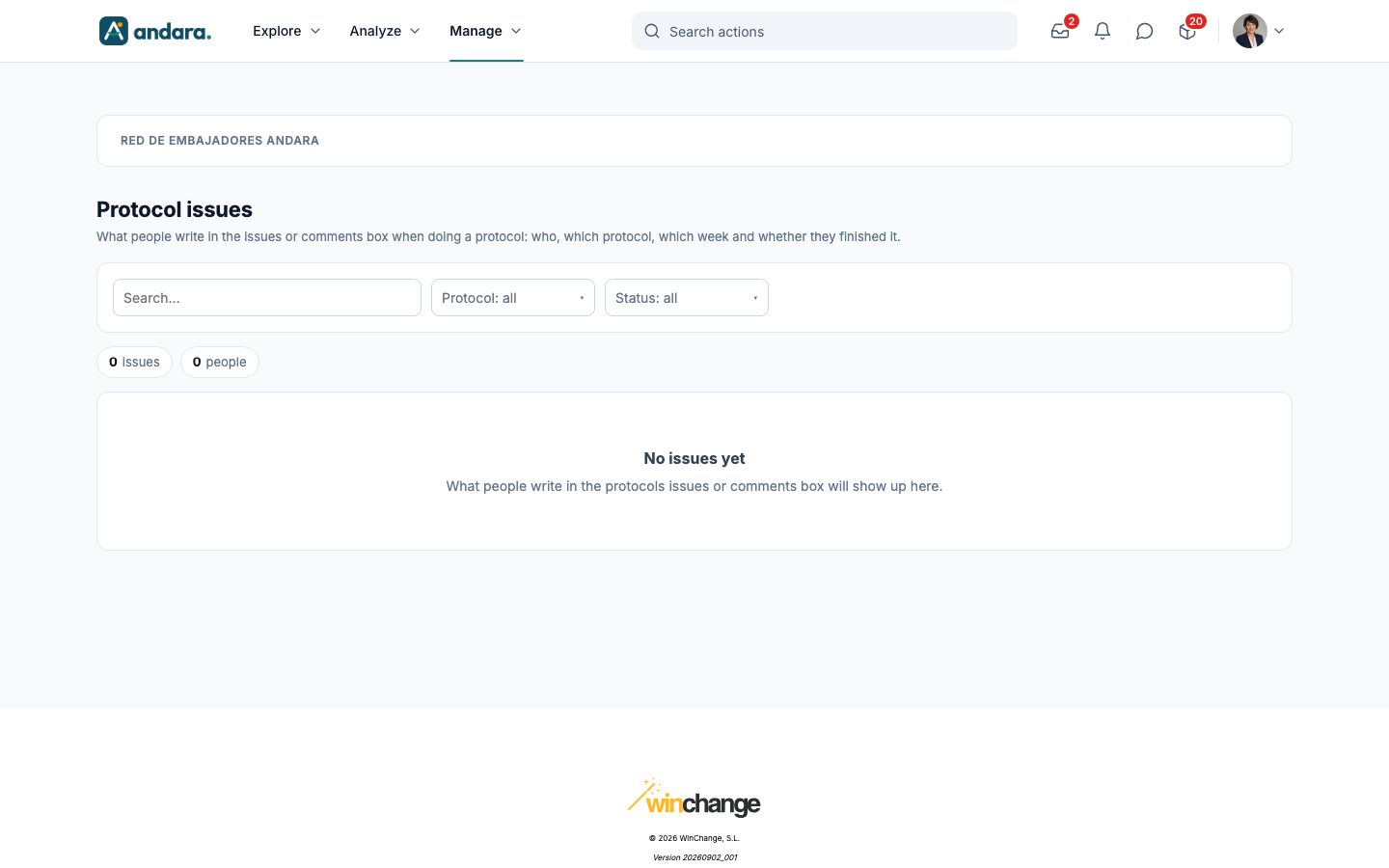
This is where you read the notes people leave when doing a protocol. A protocol is a recurring action in checklist form (for example, a weekly check), and each period has an issues or comments box where the participant can note what they found: something missing, something that could not be done, an improvement.
Each row is one person's note in one period of a protocol, with their progress on the checklist. Use it to spot recurring problems and to know who to call. The screen is read-only: the note belongs to whoever wrote it.
Where it is: Manage › Journeys › Protocol issues.
What you see#
| Element | What it shows |
|---|---|
| Search… | Filters by person, email, unit, protocol or note text. |
| Protocol: all | Keeps only the notes for one protocol. It offers the protocols that have at least one note. |
| Status: all | Keeps only the periods that are Done, In progress or Missed. |
| N issues / N people | How many notes match the current filters and how many different people wrote them. |
| Person | Who wrote the note and, below, their unit. |
| Protocol | The protocol it was written in. |
| Period | The protocol period it belongs to (for example, the week). |
| Issue or comment | What the person wrote. |
| Checked | How many checklist items they ticked, out of how many (for example, 5 / 6). |
| Status | Done if they completed the period, In progress if it is still open and Missed if it closed without being completed. |
The most recent notes come first. Only the periods where the person wrote something appear; periods completed without a note do not show up here.
Until someone writes a note, the screen shows the No issues yet notice.
Settings#
This screen has no forms: notes are not created, edited or deleted here. The protocol itself (the checklist and how often it repeats) is set up in the action, in Actions, by choosing Protocolo (protocol) under Añadir contenido.
How to#
Review the issues for a protocol#
- 1
Pick the protocol
In Protocol: all, choose the protocol you want to review.
- 2
Keep what went wrong
If you only care about periods that were not completed, choose Missed in Status: all.
- 3
Look for what repeats
Type a word in Search… (a product, an area, a team) to see every note that mentions it.
Things to know#
- Nobody is alerted to new notes: no notification is sent when a participant writes an issue. If protocols matter, check this screen regularly.
- Notes cannot be answered from here. To reply to someone, use another channel.
Related#
- Actions: where the protocol is created.
- Journeys and actions: how actions fit into the path.
- Team challenges: another layer built on top of an action.