What it is for#
This is where you review what the AI decided on actions that have automatic approval switched on: which submissions it approved, which it rejected and why. The ones it rejected are not closed: they stay waiting for a person to settle them.
The screen is titled AI approvals.
Where it is: Manage › Journeys › AI Actions Approval.
What you see#
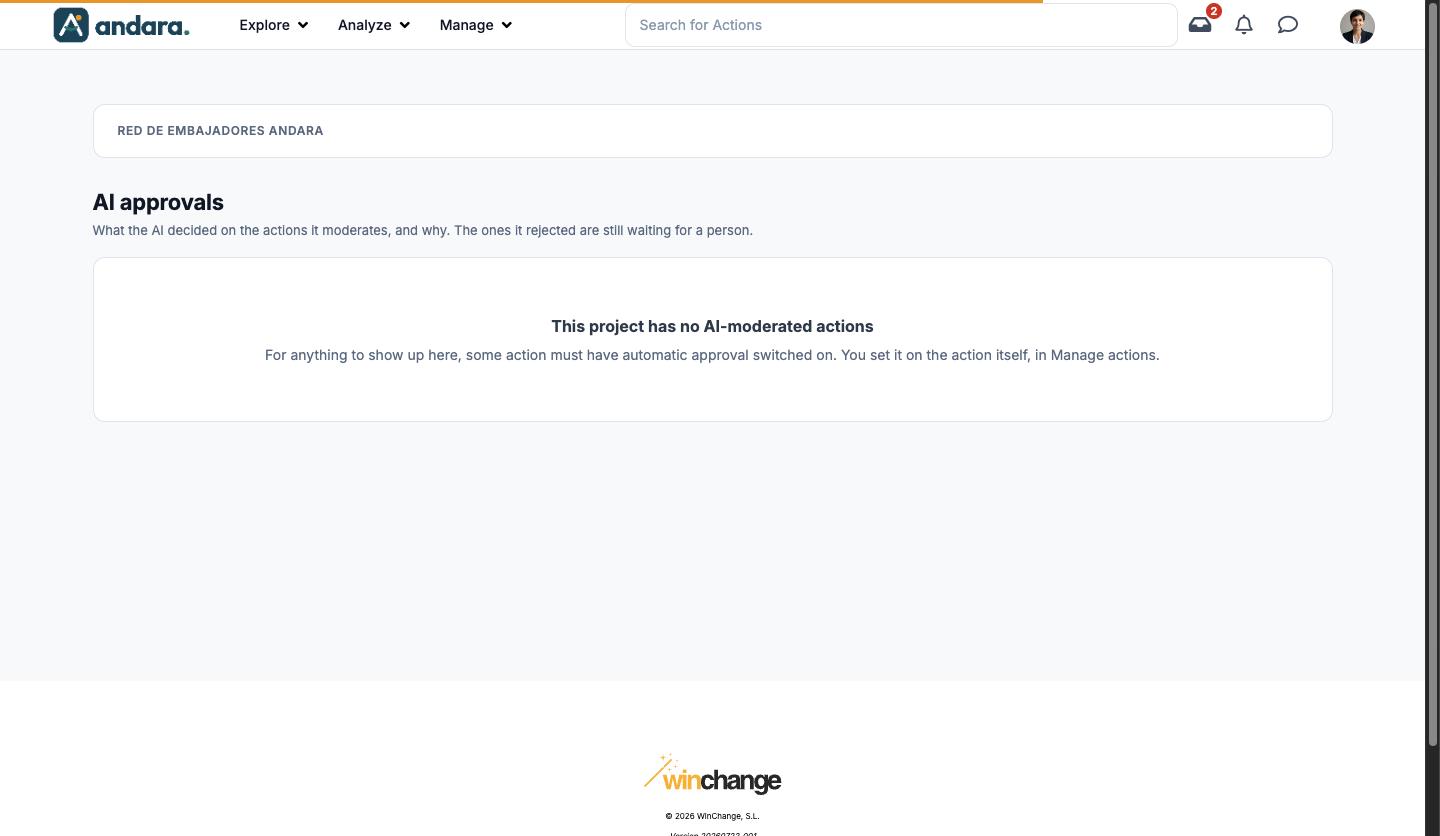
If no action in the project has automatic approval switched on, the screen only shows the notice This project has no AI-moderated actions, which explains where to switch it on. That is what the screenshot shows.
The demo used for this page has no AI-moderated actions, so the list columns and the record form are not described here.
Settings#
This screen has no settings of its own. AI approval is switched on in each action, in step 3. Cómo se completa of Actions (that screen is only in Spanish):
| Field | What it does | Values |
|---|---|---|
| Permitir la aprobación automática con IA (allow automatic AI approval) | Only with the Aprobación del responsable (manager approval) completion method. If the AI approves the submission, the action is completed; if not, the manager reviews it. | Tick box. |
| Criterios de aprobación (approval criteria) | What the submission must meet to be approved. It is what the AI reads to decide. | Free text. |
How to#
Hand an action over to the AI#
- 1
Open the action
In Actions, open the action and go to step 3. Cómo se completa.
- 2
Choose manager approval
In La acción se completa al, choose Aprobación del responsable.
- 3
Switch on the AI
Tick Permitir la aprobación automática con IA and write the Criterios de aprobación.
- 4
Save
Click Guardar cambios. From the next submissions on, its decisions show up on this screen.
Things to know#
- What the AI rejects does not close on its own: it waits for a person. Check this screen regularly while you have AI-moderated actions.
- The criteria are the AI's only instruction: vague criteria make for vague decisions.
Related#
- Approvals and moderation: the approvals inbox and the AI's role.
- Actions: where AI approval is switched on.
- Action Assignments: each person's activity record.