What it is for#
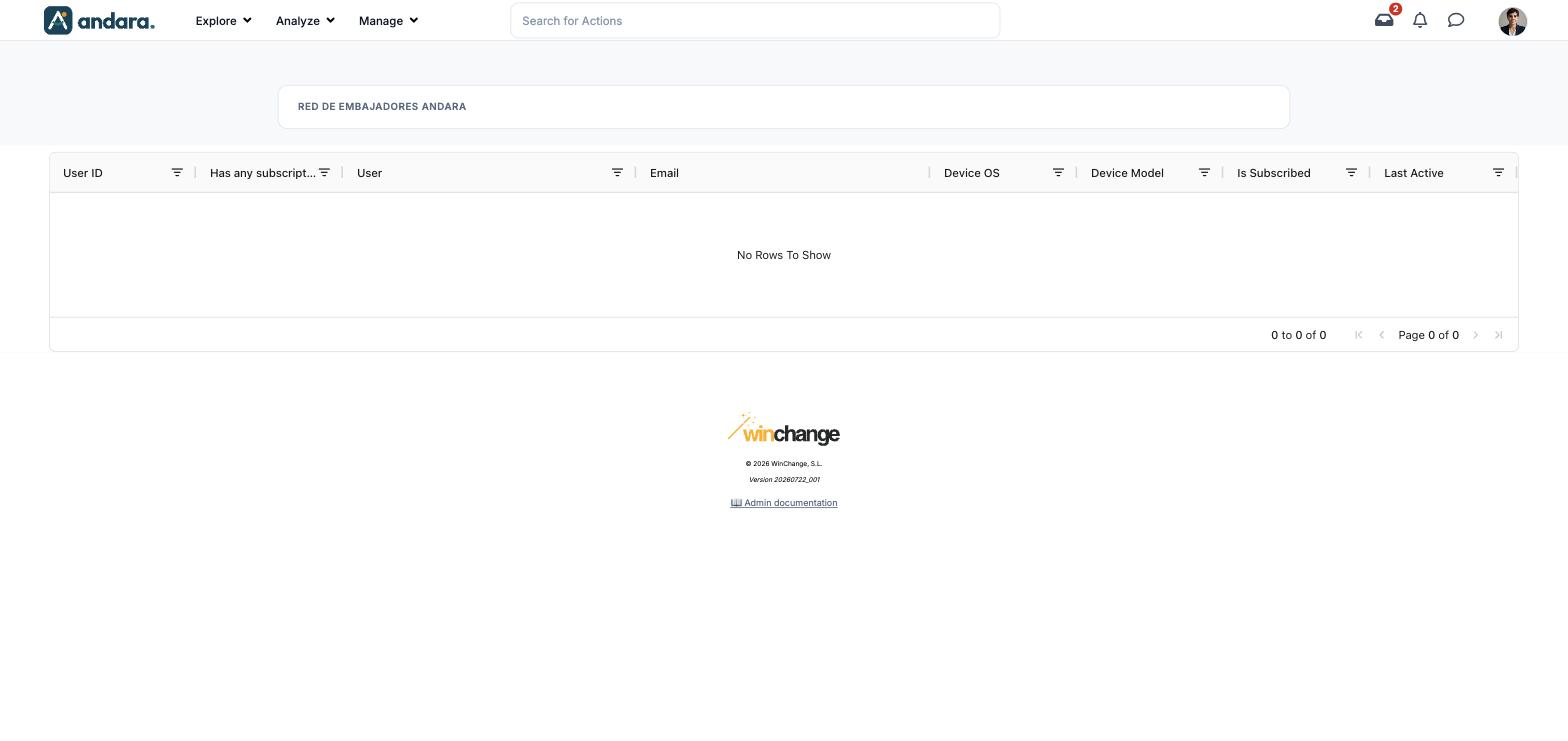
This screen is the device census: who has allowed push notifications on their phone, on which device, and whether that permission still stands. It is where to look when someone says they get nothing.
It is read-only. Each person grants or withdraws permission on their own phone; nothing is switched on or off from the panel.
Where it is: Manage › Notifications › Push Subscriptions.
What you see#
The name of the project you are in appears at the top.
| Element | What it shows |
|---|---|
| User ID | The person's internal number. |
| Has any subscription? | Whether they have ever registered a device. |
| User | The person's name. |
| Their email. | |
| Device OS | The device's operating system. |
| Device Model | The device model. |
| Is Subscribed | Whether that device accepts notifications right now. |
| Last Active | The last time activity was seen on that device. |
| Column filter | The icon next to each heading filters by that column. Clicking the heading sorts. |
| Pagination | Bottom right: how many rows are shown, out of how many, and the arrows to change page. |
In the demo the table is empty (No Rows To Show): nobody has installed the app with notifications allowed.
Settings#
There is nothing to configure: it is a lookup screen.
How to#
Find out why someone gets no messages#
- 1
Look them up
Filter the Email or User column with their name.
- 2
If they are not there
They have not installed the app or never accepted notifications. This channel cannot reach them.
- 3
If they are there
Check Is Subscribed: if it is off, they withdrew permission on their phone. Only they can grant it again, in the phone's settings.
Things to know#
- Nobody can grant permission on someone else's behalf, neither you nor the WinChange team.
- This list is the real reach of your messages. Both one-off messages from Send Push Notifications and smart notifications only reach people listed here as subscribed.
- Column headings are in English in both versions of the interface.
Related#
- Notifications and email: how push messages work.
- Send Push Notifications: sending a message by hand.
- Push Notification Settings: smart notifications.