WinChange inside Microsoft Teams
Challenges arrive where your team already is: Teams.
An alert in the activity feed, a challenge that takes minutes and a colleague who confirms it. WinChange lives in Microsoft Teams as one more app: people sign in with the company account and it works the same on the computer and on the phone.

Who it's for
For workforces that spend the day in Teams.
HR programmes tend to live on another site, with another password and another email to remind people. When challenges come through Teams, taking part stops being a separate visit.
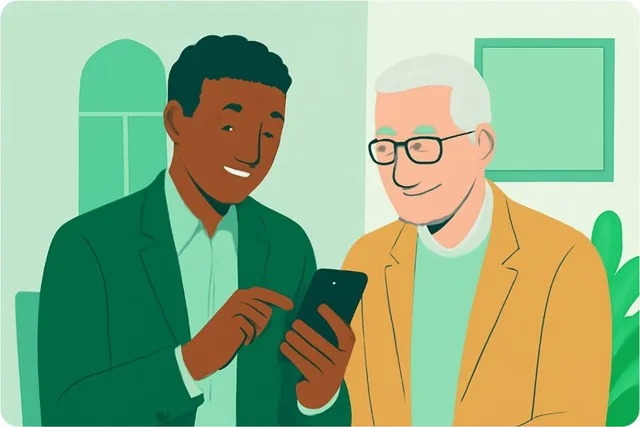
Office and hybrid teams
Meetings, chats and files are already in Teams. The week's challenge shows up there, between one meeting and the next.
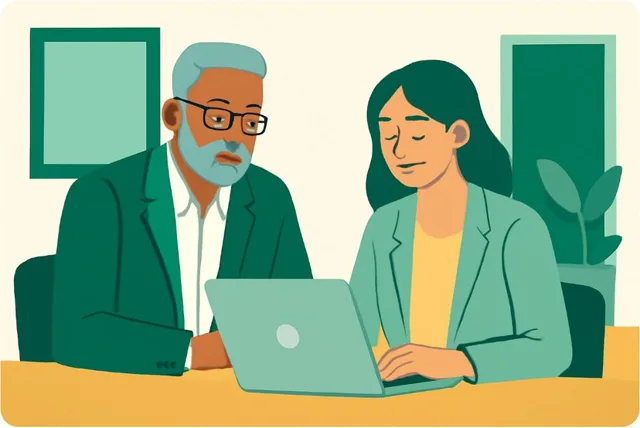
Managers with teams in several places
They confirm evidence, see who is on track and say thank you without opening another tool.
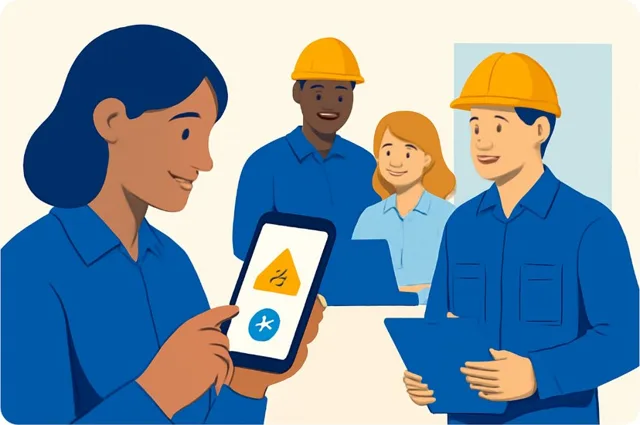
Field staff with Teams on their phone
The same app on the phone: a photo of the job done, a colleague's confirmation and points right away.
What it looks like
The same challenge, on the computer and on the phone.
From the alert to the thank-you, without switching apps. Tap the screen to move on.
01 / 06
The alert arrives
The challenge lands in the Teams activity feed, next to mentions and messages. One tap and they're in.
The challenges
Six challenges that fit between two meetings.
Each one is proven in a different way. They combine into a journey with dates and visible progress.

Evidence
Prepare a meeting's minutes with AI
Attach the screenshot and say how much time it saved. Your manager sees the evidence.
Colleagues
Teach someone on your team a Teams shortcut
Whoever learned it confirms it. Nobody can confirm themselves.
Consistency
Close the day with tomorrow's tasks written down
A daily habit with a streak. Repeating it is what counts, so the run is what gets rewarded.
Game
Real email or scam? Eight rounds against the clock
Cybersecurity in two minutes, with a score and a rematch.
Team challenge
The whole team tidies its shared files
It counts when the team gets there: whoever is done cheers on whoever isn't.
Knowledge
Test: which data can be pasted into AI
Six questions with a pass mark. It grades itself and leaves a record.
What you see
Who takes part, where, and where it gets stuck.
Whether the challenge is done in Teams, in the app or in the browser, it all reaches the same dashboard, by site, unit and team.
- Completion by site and team, with the evidence for each action.
- Confirmations waiting for someone, and since when.
- Who recognises whom between areas that never used to meet.
- Export for your own reports.
82%
completed a challenge this month
214
confirmations between colleagues
96
thank-yous across areas
Head office88%
Northern branch76%
Field teams69%
Customer care48%
Sample screen
How it connects
Your IT team decides who sees it.
WinChange is added to your Microsoft Teams as a company app and inherits its identity.
- 01
Added to your organisation
Whoever administers Microsoft 365 uploads the app and chooses which people or groups see it in the Teams bar.
- 02
Sign in with the usual account
Identity comes from Microsoft Entra ID. No extra password and no extra invitation.
- 03
Alerts go to the activity feed
New challenge, confirmation pending, thank-you received. You set the pace of the alerts.
More integrations
All integrations →People and access →
Single sign-on, joiners and leavers, sites, roles and managers from your systems.
Intranet →
A block on the SharePoint home page and a card in Viva Connections.
Workday →
Challenges on the home page and among the tasks, and points for what gets done in Workday.
LMS and content →
The courses you already have, inside challenges that end in something done on the job.
Tool adoption →
What people do in the CRM, in support or with AI earns points in WinChange.
Frequently asked questions
Microsoft Teams: what people ask us.
No. Challenges, confirmations, thank-yous, the leaderboard, badges and the store are used inside Teams. If a challenge asks for something in another tool, it carries the direct link.
What do you want to happen in your company next week?
In 30 minutes we show you how it would look inside Teams, with your challenges and your branding.
The trademarks mentioned on this page, such as Microsoft, Microsoft Teams, SharePoint, Viva, Workday®, SAP, Salesforce, HubSpot®, Google™ or Moodle™, belong to their respective owners and are named only to show what WinChange connects to. WinChange is an independent company: it is not affiliated with, sponsored by or endorsed by them. Sample screens, with a made-up company and people.